Services
Research
Design Strategy
Visual Design
Prototype
Animation
Industry
Creative Tech
Platform
Mobile App (iOS & Android)
Overview
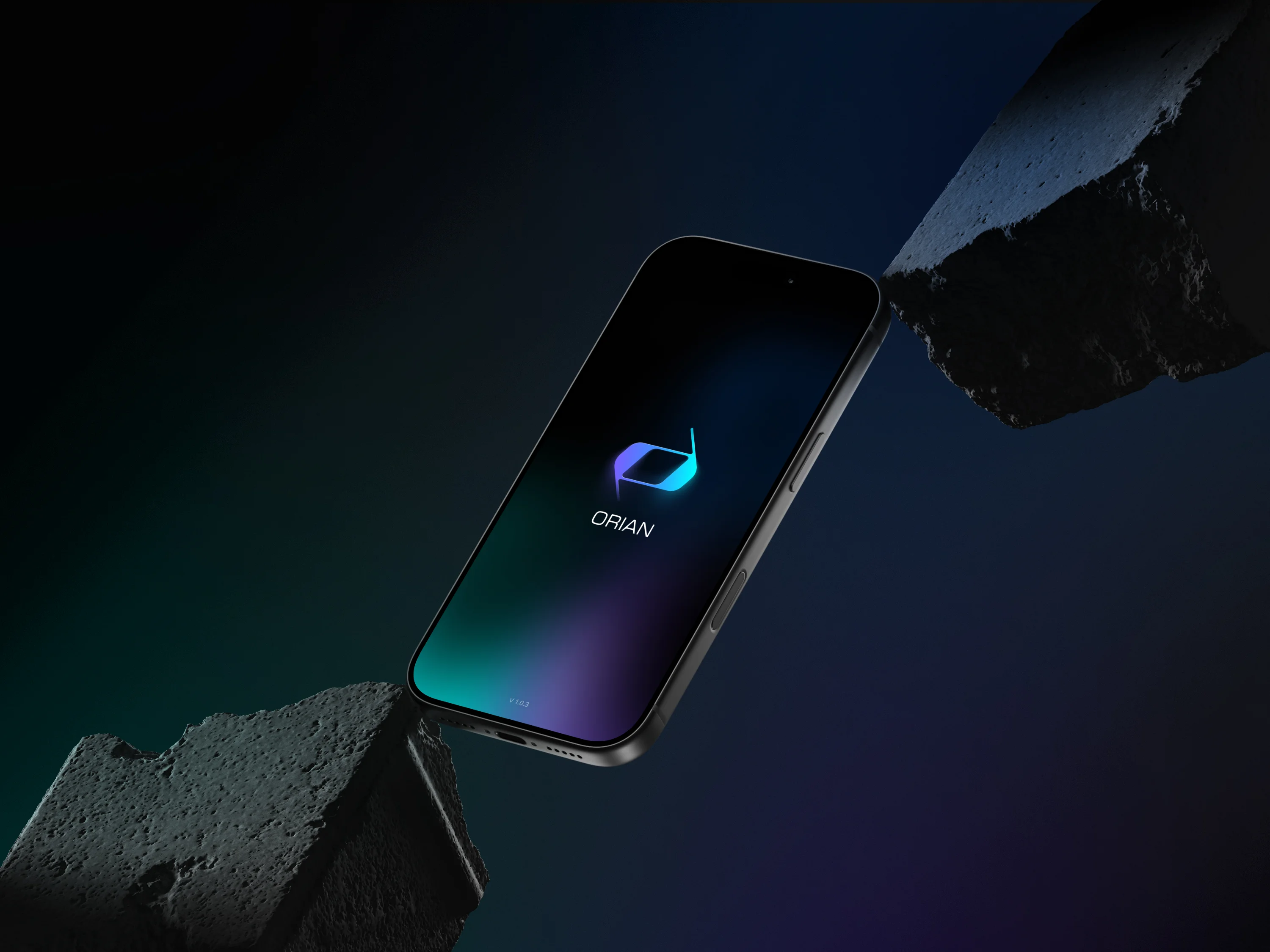
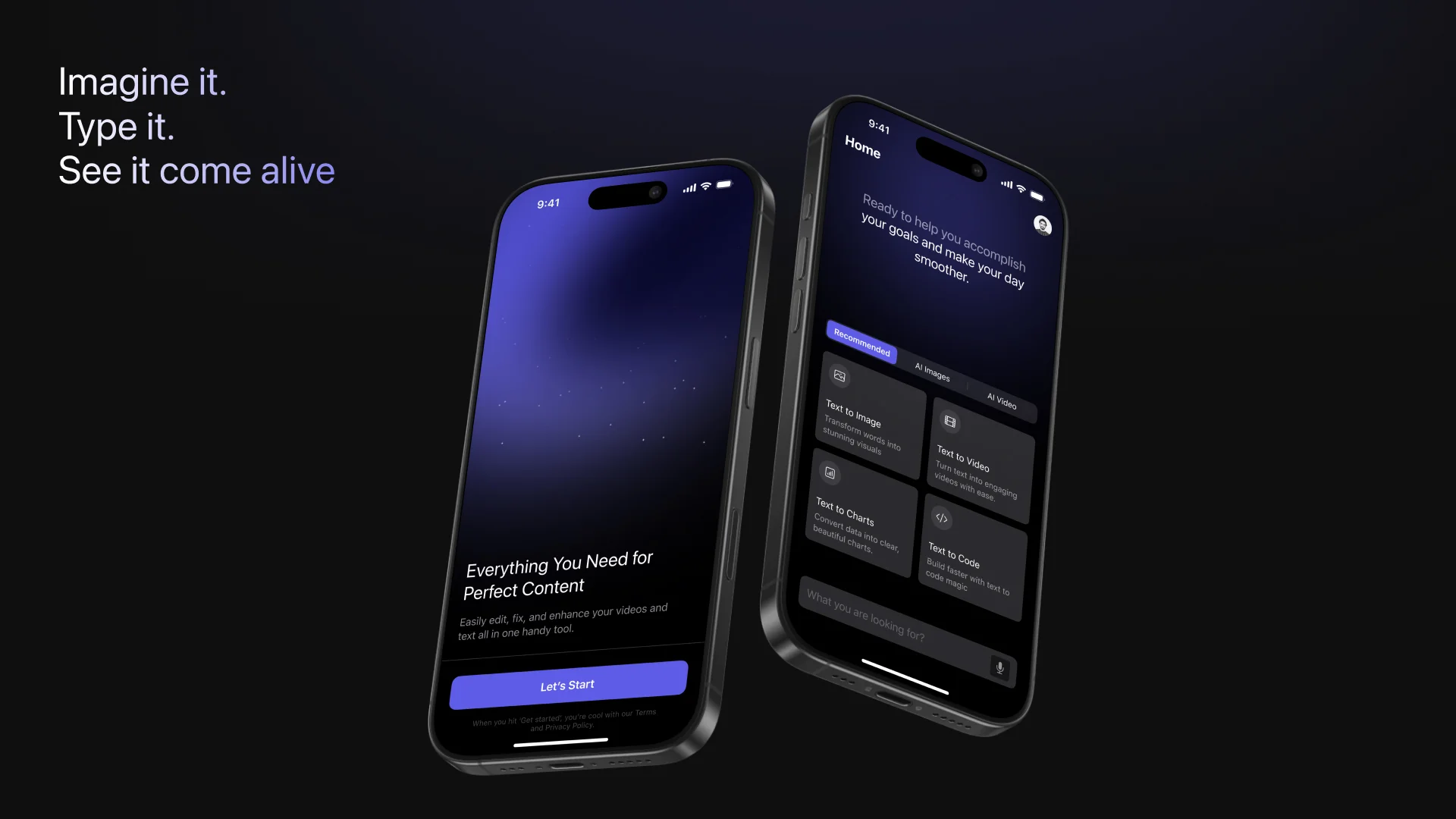
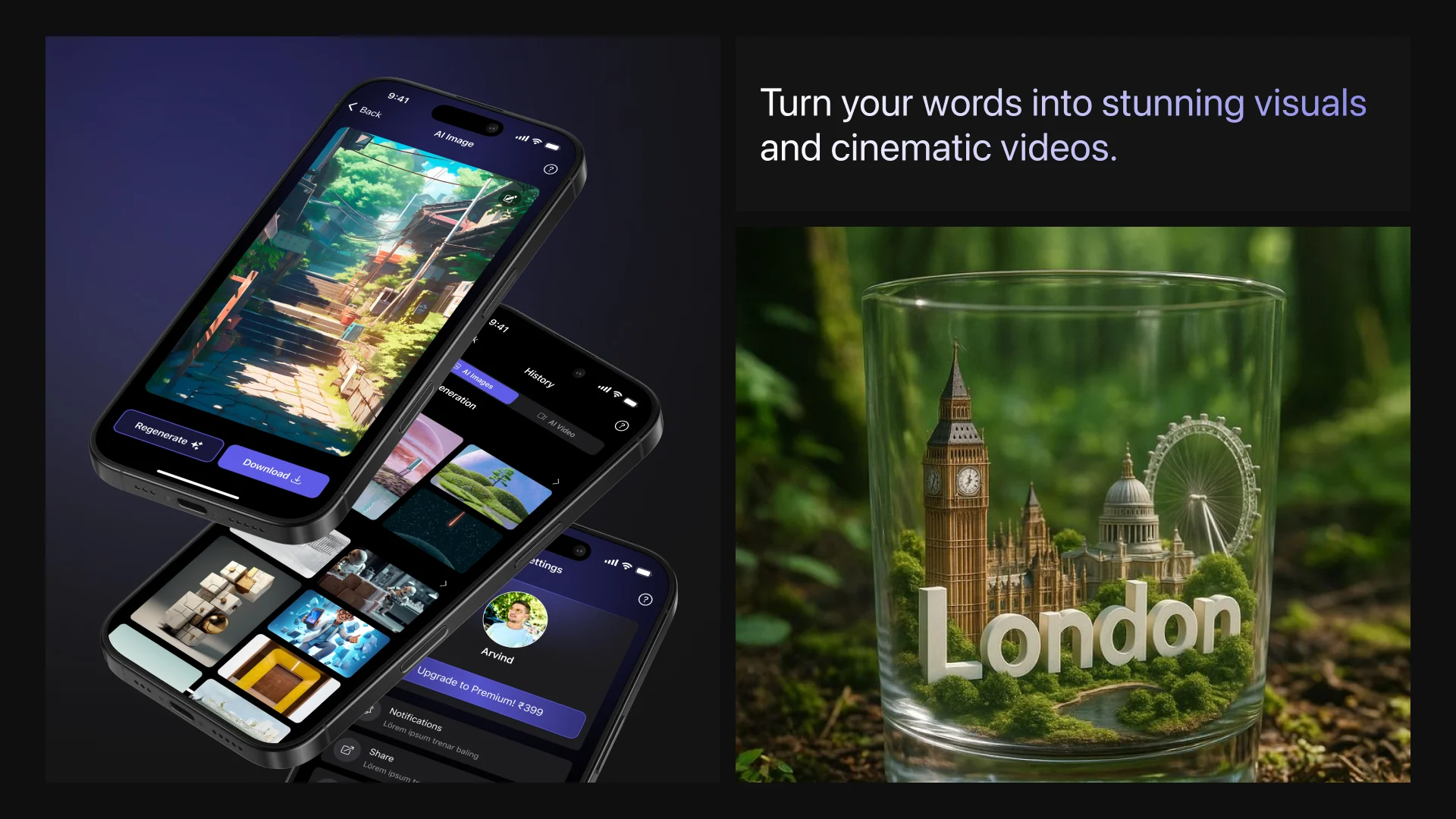
Orion is a conceptual multi-functional AI app designed to help creators transform words into various forms of digital content - instantly. From text-to-image generation to AI-driven video creation, and even prompt-to-code conversion, Orion brings together all major creative workflows under a single, streamlined platform.
Built with a minimal interface and intuitive structure, the goal was to make advanced generative AI accessible for designers, developers, and everyday creators - without needing any prior technical expertise.
Problem Statement
Modern creators rely on multiple platforms to produce and refine their ideas - one for images, another for video, and yet another for code. This fragmentation slows creativity and creates inconsistency across outputs.
The Challenge
How might we design a unified, intuitive platform that allows users to seamlessly generate diverse content types - images, videos, and code - from a single text-based interaction?
My Responsibilities
Planned and structured the core user experience flow for the Text-to-Image generator.
Designed wireframes for all major modules - AI Image, AI Video, and Text-to-Code.
Ensured consistency in navigation, iconography, and action hierarchy across modules.
Defined interaction logic for prompt input, style selection, result generation, and content history.
Collaborated conceptually on visual feedback systems for prompt suggestions and real-time results.
Work Process
Research & Competitive Analysis
Explored tools like Midjourney, Runway, Pika Labs, Replit AI, and Firefly to understand how users interact with generative AI tools for visual and functional outputs.
User Flow Mapping
Outlined a unified journey that starts with a single prompt input and adapts dynamically based on user intent - whether they want an image, video, or code snippet as the output.
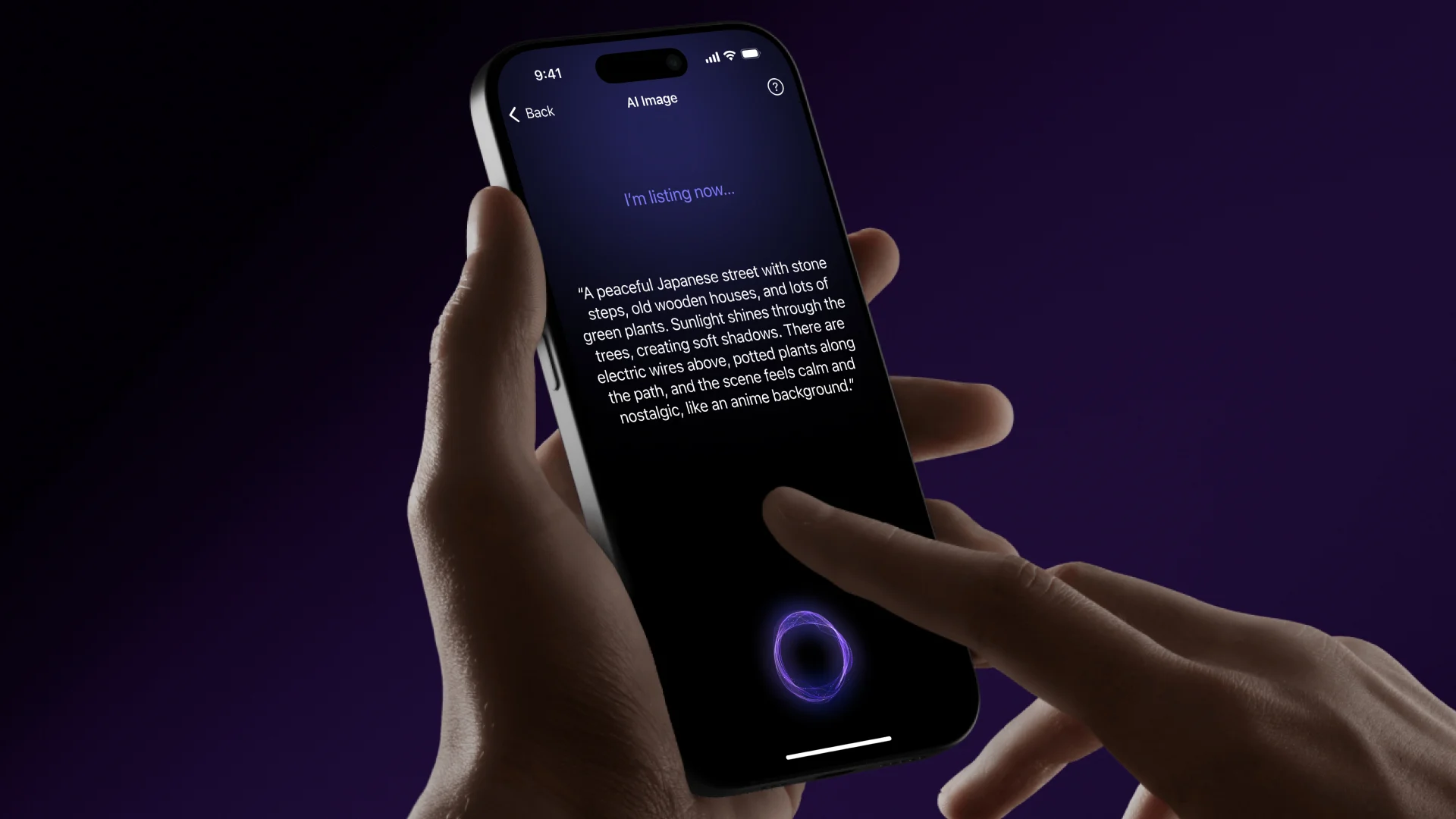
Wireframing & Interaction Design
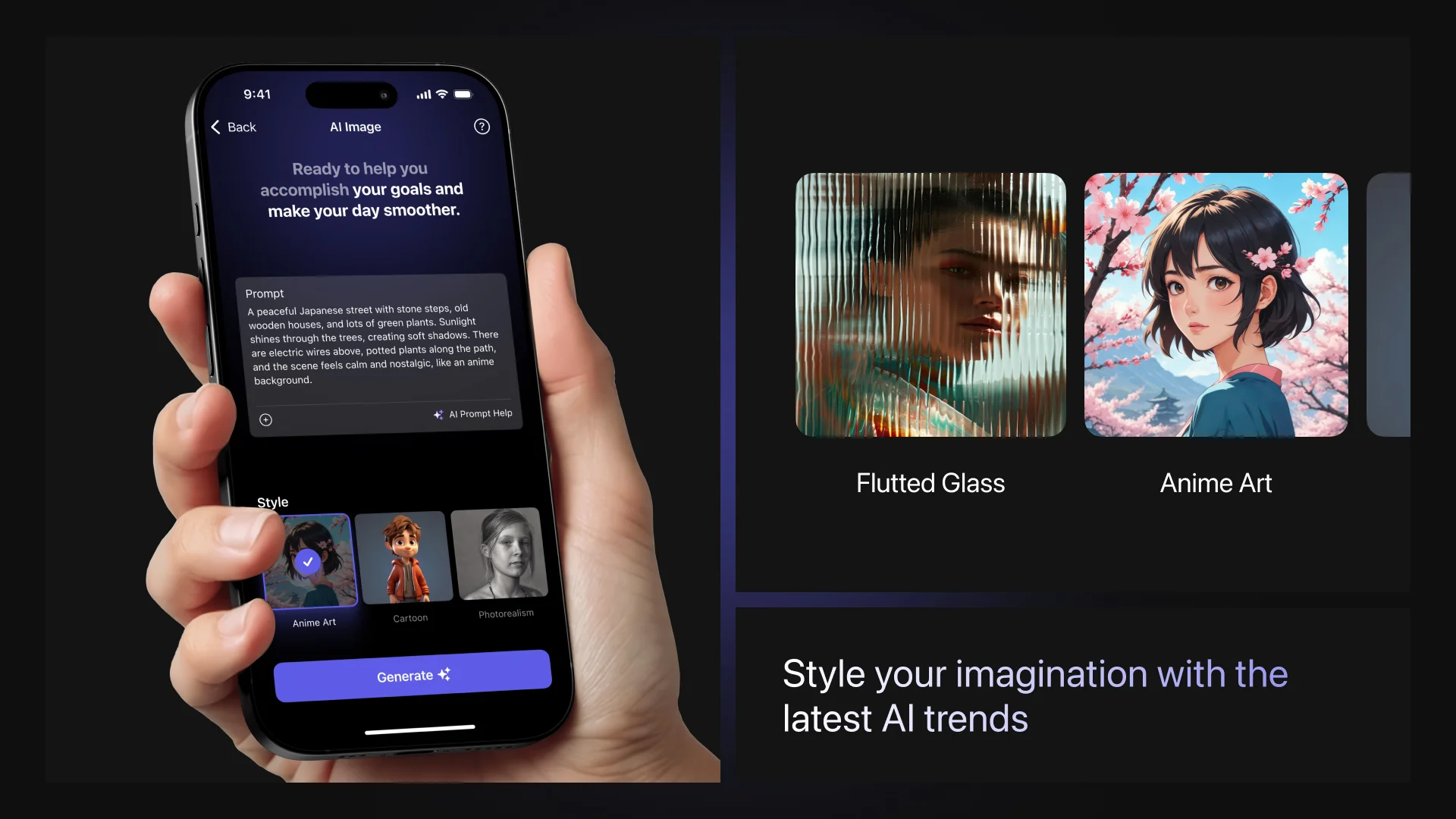
For Text-to-Image, designed layouts emphasizing prompt clarity, visual style choices (Anime, Art, Cartoon, Photorealism), and image aspect ratios.
For Text-to-Video, defined a flow where users could describe a short motion scene, choose tone or animation type, and preview generated clips.
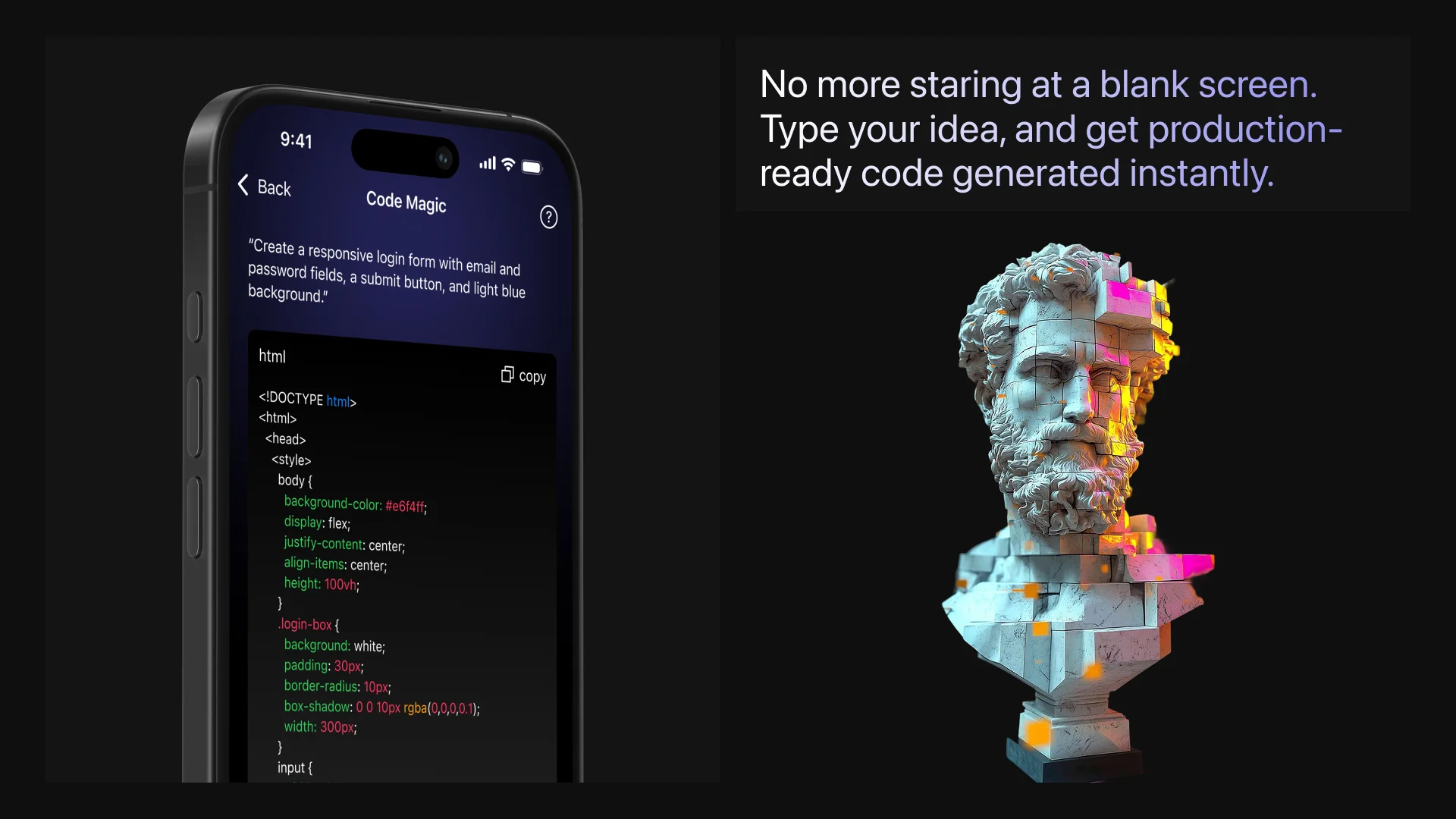
For Text-to-Code, focused on a minimal interface where users can describe what they want to build, and view instantly generated code with syntax highlighting and a live preview.
Design Refinement
Iterated on usability by reducing clutter, adding contextual help prompts, and aligning UI behavior across modules. Each tool feels specialized yet part of one cohesive system.
Testing & Usability Review
Conducted small usability sessions (conceptually) to test how first-time users navigate between different AI features, ensuring smooth transitions and consistent mental models.
Outcomes
Developed a modular wireframe system scalable across AI features like Image, Video, and Code generation.
Reduced the user journey for generating content from 5+ steps to just 3 intuitive actions.
Introduced prompt assistance and preset templates for better creative guidance.
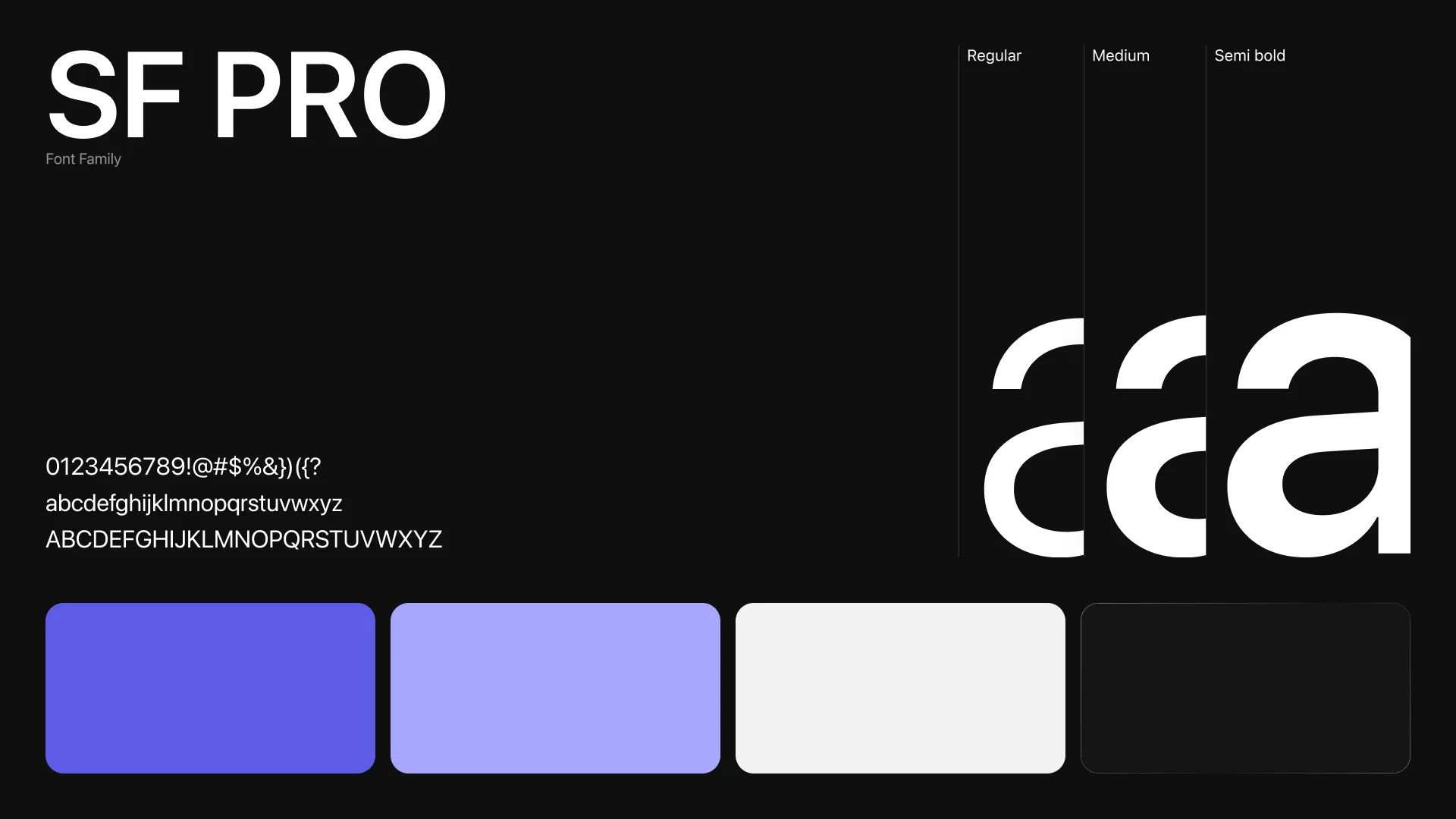
Designed a consistent layout grid and component system, enabling quick expansion of future tools.
Created a sense of continuity between creative (image/video) and technical (code) content types.
Key Learnings
Unified design language is crucial — users should feel they’re using one app, not four separate tools.
Clear prompt-to-output feedback builds user confidence and improves prompt writing skills.
Striking a balance between automation and user control keeps creativity flexible while ensuring fast results.
Contextual modularity allows Orion to scale — each feature builds upon the same interaction foundation.